🎉 Up to 70% Off Selected ItemsShop Sale
Barco ClickShare CX-20 Gen2  with 1 Button
HomeStore

Barco ClickShare CX-20 Gen2 with 1 Button

Barco ClickShare CX-20 Gen2 with 1 Button

$2,225.00
Barco ClickShare CX-20 Gen2 with 1 Button
$2,225.00

The Story

ClickShare CX-20 Gen2 - US version with 1 Button


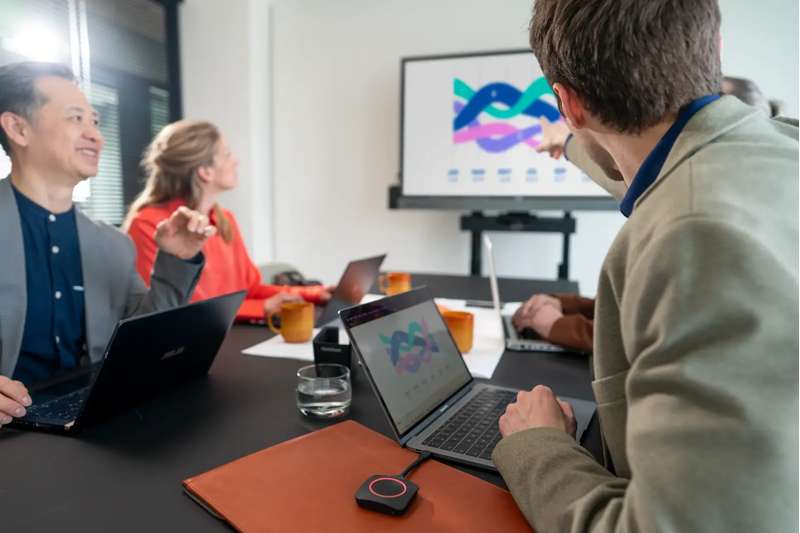
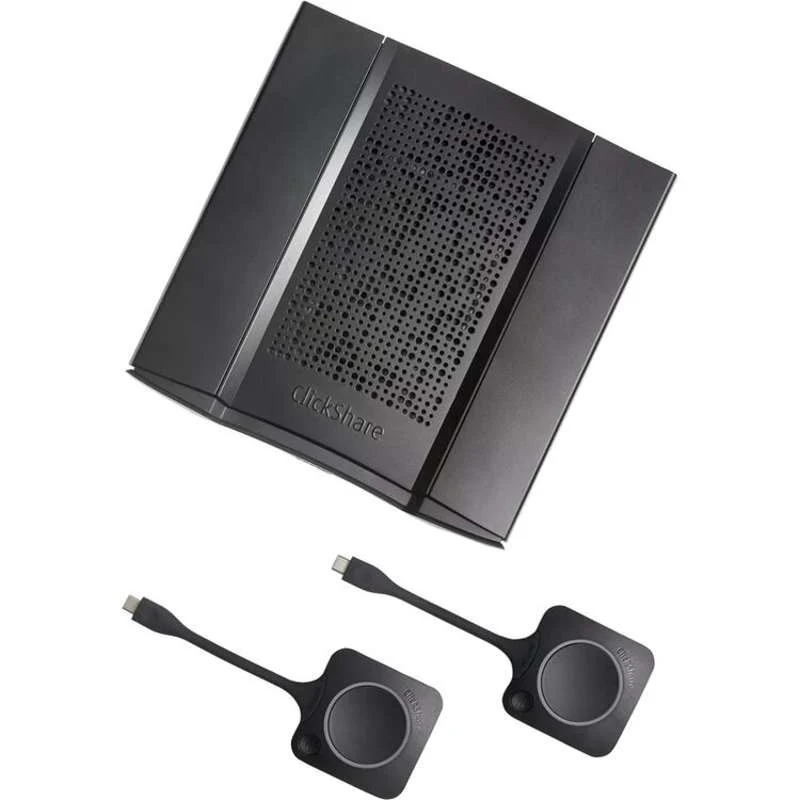
The Barco ClickShare CX‑20 Gen2 Wireless Collaboration System enables wireless conferencing in small meeting spaces. This collaboration system makes hybrid meetings easy with just one click on the ClickShare Button or the ClickShare App. It automatically connects the user to room devices like cameras, mics, speakers, sound bars and displays
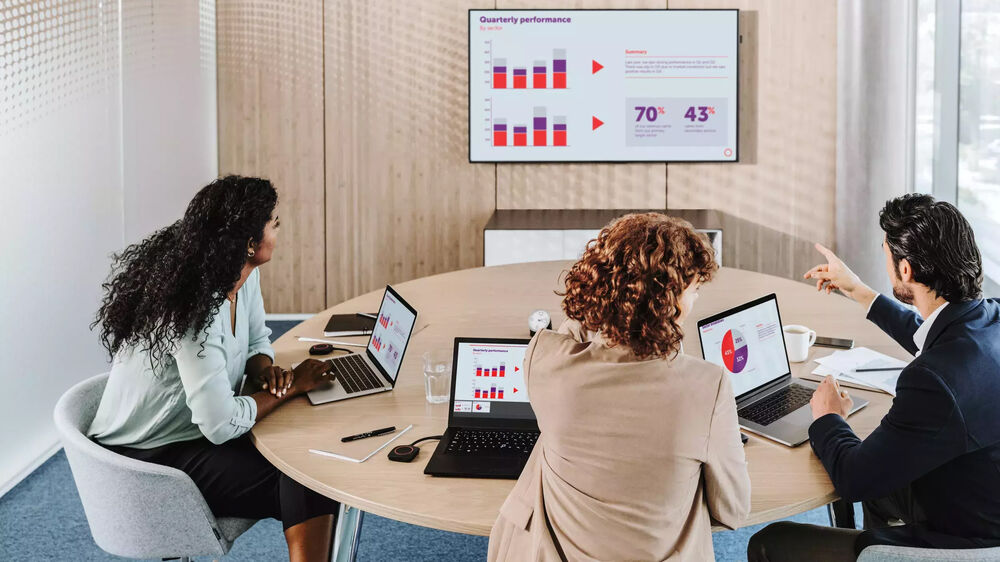

Connectivity and Integration
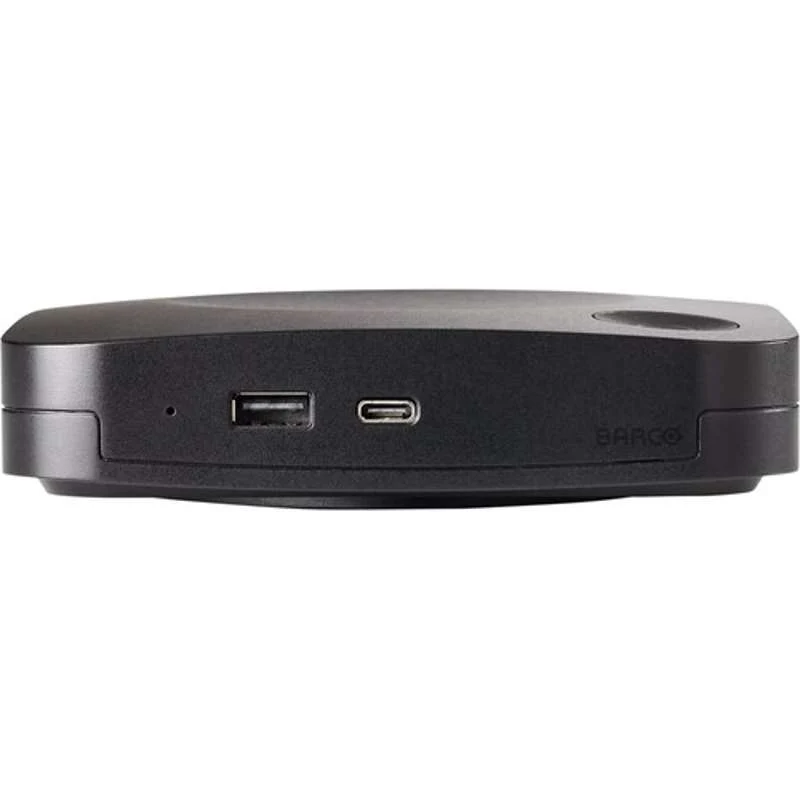
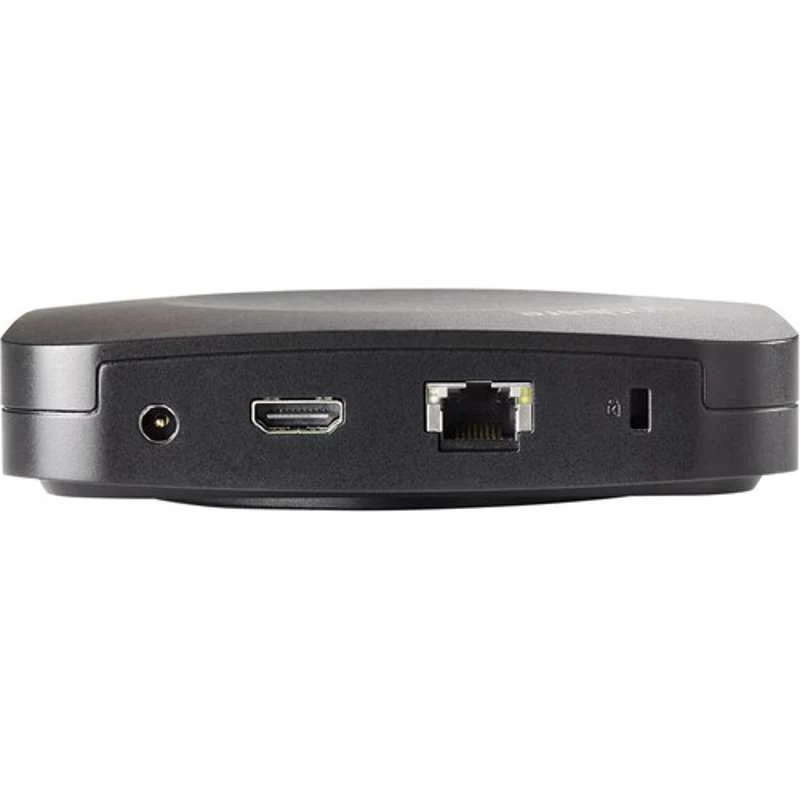
  • The system itself has a maximum reach of 100' between the base and button. USB-C 3.1 Gen 1 and USB-A 3.1 Gen 1 connections integrate the CX-20 into your preexisting setup while an HDMI port outputs UHD 4K video to a display of your choice.
  • Screen sharing and control can be achieved via the button or software application thanks to the base unit's LAN port.
  • The USB-C port can also be used with DisplayPort 1.2 output as well as power.
System Compatibility
  • The system is compatible with both macOS and Windows systems and facilitates screen mirroring via Airplay, Google cast, and Miracast.
  • Control over the system's functions can be achieved with the ClickShare desktop or mobile app, which is compatible with Android and iOS devices. Enhanced security keeps the system connected to the cloud while the XMS cloud management platform remotely manages all units.

Upgraded Meeting Workflows
  • Automatically connect to the meeting room via PresentSense proximity detection or via ClickShare button
  • ClickShare guides you as a host or participant with HostFlow and can start the meeting from your personal calendar with One-Click-Join
  • ConferenceView shares your presentation and keeps track of remote participant's video side by side
  • Share full screen or application window while keeping your laptop screen private for note taking
  • When the call ends the meeting room becomes a digital signage display

Barco ClickShare CX-20 Gen2  with 1 Button - Image 2

Details & Craftsmanship

Every detail has been carefully considered to bring you the perfect product.

Barco ClickShare CX-20 Gen2  with 1 Button - Image 3

Details & Craftsmanship

Every detail has been carefully considered to bring you the perfect product.

Barco ClickShare CX-20 Gen2  with 1 Button - Image 4

Details & Craftsmanship

Every detail has been carefully considered to bring you the perfect product.

Description

ClickShare CX-20 Gen2 - US version with 1 Button


The Barco ClickShare CX‑20 Gen2 Wireless Collaboration System enables wireless conferencing in small meeting spaces. This collaboration system makes hybrid meetings easy with just one click on the ClickShare Button or the ClickShare App. It automatically connects the user to room devices like cameras, mics, speakers, sound bars and displays


Connectivity and Integration
  • The system itself has a maximum reach of 100' between the base and button. USB-C 3.1 Gen 1 and USB-A 3.1 Gen 1 connections integrate the CX-20 into your preexisting setup while an HDMI port outputs UHD 4K video to a display of your choice.
  • Screen sharing and control can be achieved via the button or software application thanks to the base unit's LAN port.
  • The USB-C port can also be used with DisplayPort 1.2 output as well as power.
System Compatibility
  • The system is compatible with both macOS and Windows systems and facilitates screen mirroring via Airplay, Google cast, and Miracast.
  • Control over the system's functions can be achieved with the ClickShare desktop or mobile app, which is compatible with Android and iOS devices. Enhanced security keeps the system connected to the cloud while the XMS cloud management platform remotely manages all units.
Upgraded Meeting Workflows
  • Automatically connect to the meeting room via PresentSense proximity detection or via ClickShare button
  • ClickShare guides you as a host or participant with HostFlow and can start the meeting from your personal calendar with One-Click-Join
  • ConferenceView shares your presentation and keeps track of remote participant's video side by side
  • Share full screen or application window while keeping your laptop screen private for note taking
  • When the call ends the meeting room becomes a digital signage display